CDN in Console
Configuring CDN
You can configure the CDN to take query parameters and cookies into account when serving cached responses. To do this, navigate to Your instance → Settings → CDN.
In this section, you can specify which data affects cached responses. You may define either an allowlist or a blocklist of query parameters. You can also indicate which cookies influence the responses.
Please make sure to add all the request attributes that impact SSR rendering.
Since 2.0.0, Alokai uses the x-alokai-locale header to set the locale (instead of the vsf-locale cookie). You should configure this header as part of your CDN cache key.
Alokai still uses the vsf-currency cookie to set the currency — add it to the cache key if your store supports multiple currencies.
Invalidating cache
If you notice that the cached response is not what you expect, you can invalidate it. Navigate to Your instance → Caching layer → CDN cache and select the paths you want to clear from the cache.
Viewing metrics
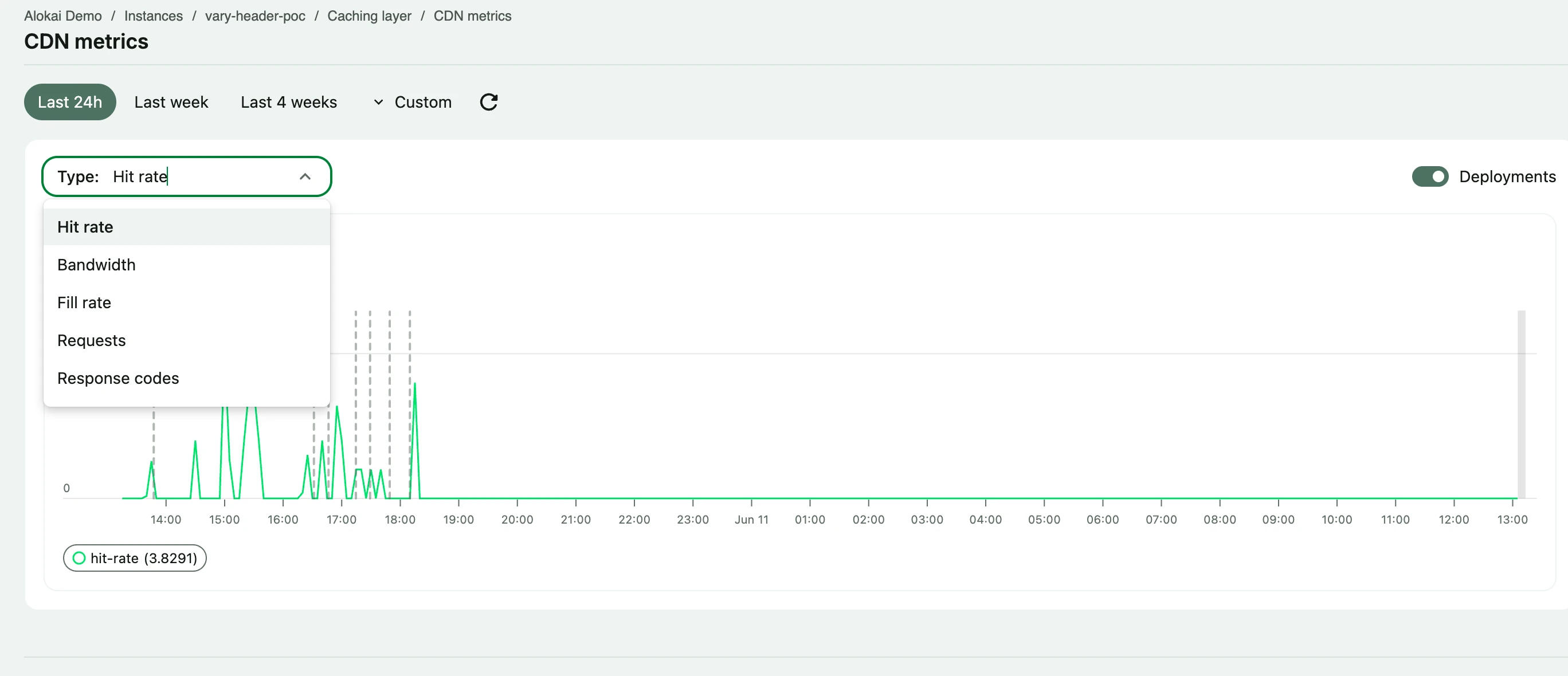
Navigate to Your instance → Caching layer → CDN metrics to monitor CDN performance.